
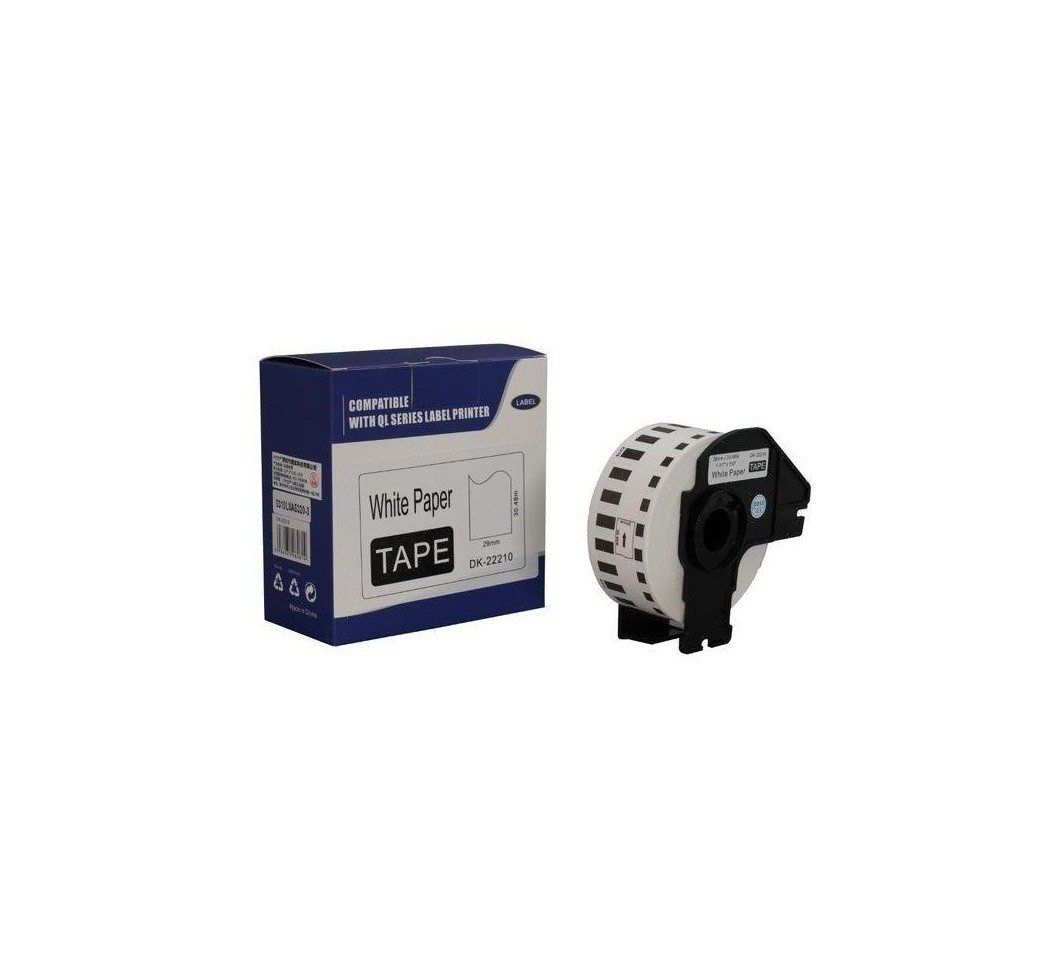
Brother DK-11201 Standard Address Labels 29mm x 90mm

KSh1,300.00 (+VAT(16%))
Product Specifications
- Brand: Brother
- Product Code: DK-11201
- Product Type: Standard Address Labels
- Label Material: Paper
- Label Type: Die-cut
- Label Colour: White
- Print Colour: Black
- Label Size: 29mm x 90mm
- Labels per Roll: 400
- Label Format: Pre-sized
- Applications: Address labels, shipping information, barcodes, logos, visitor badges, and general labelling
- Compatible Printer Range: Selected Brother QL label printers
- Printer Compatibility: Confirm compatibility with the specific Brother QL printer model before purchase
- 16% VAT and delivery charges will be calculated at checkout.
- Standard packages/medium size goods delivery: KES 500 Flat rate.
- Bulky/heavy items: delivery quoted before confirmation.
Brother DK-11201 Standard Address Labels 29mm x 90mm
Brother DK-11201 is a genuine black-on-white die-cut paper label roll designed for compatible Brother QL label printers. Each roll contains 400 pre-sized labels measuring 29mm x 90mm, making it suitable for address labels, shipping information, barcodes, logos, visitor badges, and general office or business labelling.
Product Features
Standard Address Label Size
Each label measures 29mm x 90mm, providing a pre-sized format for standard address and general-purpose labelling applications.
400 Labels per Roll
The Brother DK-11201 roll contains 400 individual labels, allowing you to print multiple labels without manually cutting individual sections.
Die-Cut Paper Labels
The labels are pre-cut paper labels designed for convenient printing and application using compatible Brother QL label printers.
Black on White Printing
The DK-11201 uses a white label with black printing, providing a conventional format for addresses, identification, shipping information, and other printed content.
Versatile Labelling Applications
Brother specifies the DK-11201 for a range of general labelling applications. It can be used for displaying logos, barcodes, visitor badges, and shipping information, as well as standard address labelling.
Compatible Brother QL Label Printers
The DK-11201 is listed by Brother as compatible with selected QL label printers, including models such as the QL-800, QL-810W, QL-820NWB, and QL-1110NWB. Compatibility should be confirmed against your specific printer model before purchase.
Product Specifications
- Brand: Brother
- Product Code: DK-11201
- Product Type: Standard Address Labels
- Label Material: Paper
- Label Type: Die-cut
- Label Colour: White
- Print Colour: Black
- Label Size: 29mm x 90mm
- Labels per Roll: 400
- Label Format: Pre-sized
- Applications: Address labels, shipping information, barcodes, logos, visitor badges, and general labelling
- Compatible Printer Range: Selected Brother QL label printers
- Printer Compatibility: Confirm compatibility with the specific Brother QL printer model before purchase
Be the first to review “Brother DK-11201 Standard Address Labels 29mm x 90mm”
Related products
Computing

Computing

Computing
Computing
Computing
Reviews
There are no reviews yet.